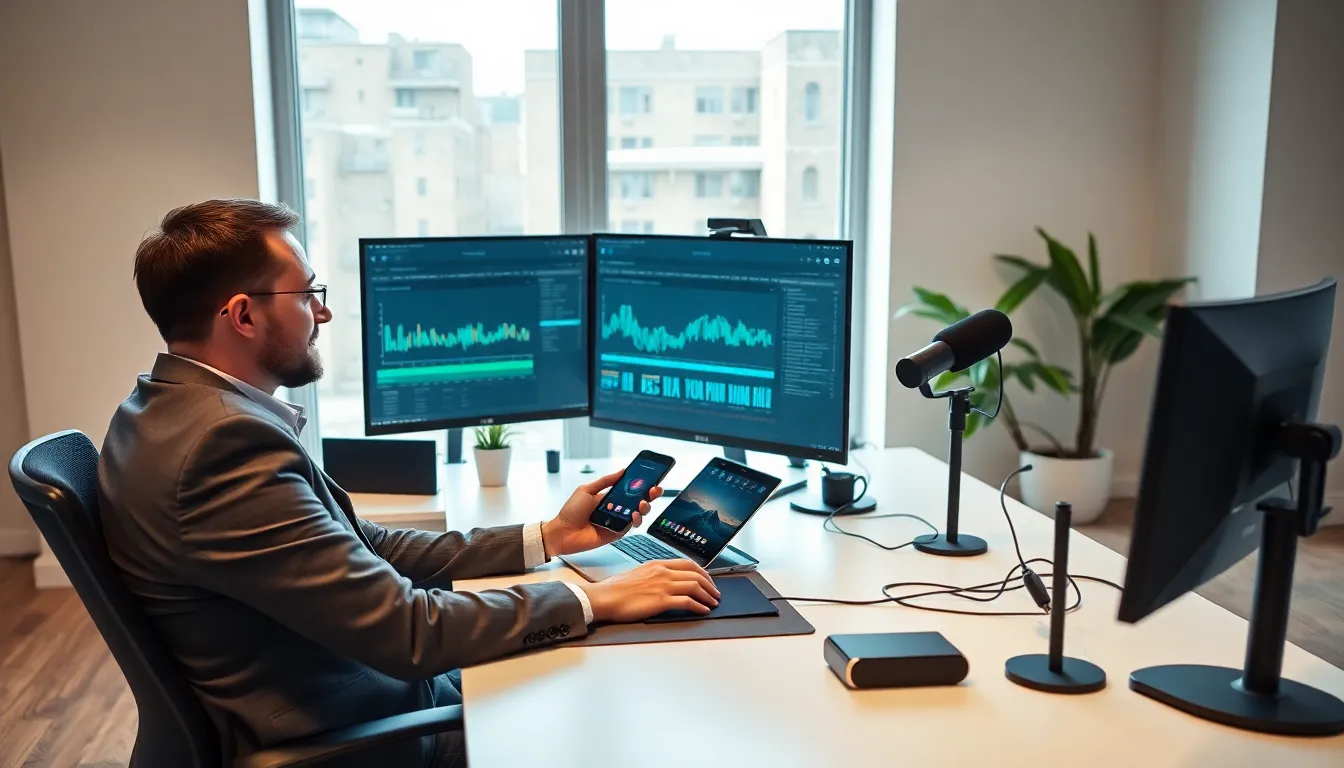

Tech reviews tools have become essential for content creators who evaluate products professionally. These software solutions help reviewers capture screenshots, record video, benchmark performance, and publish polished content. Whether someone reviews smartphones, laptops, or gaming gear, the right tools make the difference between amateur impressions and authoritative analysis.
The demand for quality tech reviews continues to grow. Consumers rely on detailed evaluations before purchasing expensive electronics. Reviewers who use professional-grade tech reviews tools produce faster, more accurate, and visually compelling content. This guide covers the key software categories, must-have features, and practical tips for selecting the best tools for any review workflow.
Table of Contents
ToggleKey Takeaways
- Tech reviews tools help content creators produce accurate, professional product evaluations through benchmarking, screen capture, editing, and publishing software.
- Look for tools with accuracy, cross-platform compatibility, integration capabilities, and regular updates to maintain a reliable review workflow.
- Free options like OBS Studio and DaVinci Resolve can match paid alternatives, making professional-quality reviews accessible to beginners.
- Match your tech reviews tools to your specific niche—smartphone reviewers, PC hardware testers, and software evaluators each need different software combinations.
- Always test tools with free trials on real review projects before committing, and choose scalable solutions that grow with your content needs.
What Are Tech Reviews Tools?
Tech reviews tools are software applications that help creators produce, edit, and publish product evaluations. They range from screen recording programs to benchmarking utilities and content management systems.
These tools serve several core functions:
- Performance testing: Benchmark software measures CPU speed, GPU power, battery life, and storage performance. Popular options include Cinebench, 3DMark, and Geekbench.
- Visual documentation: Screen capture and video recording tools let reviewers show interfaces, demonstrate features, and document bugs.
- Editing and production: Video editors, photo processors, and audio software polish raw footage into professional content.
- Publishing platforms: Content management systems and social media schedulers distribute finished reviews to audiences.
Professional reviewers typically use multiple tech reviews tools together. A smartphone reviewer might combine camera comparison apps, battery testing software, and video editing programs. A laptop reviewer could use thermal monitoring utilities alongside display calibration tools.
The goal remains consistent: produce accurate, reproducible, and visually engaging evaluations that readers trust.
Top Features to Look for in Review Software
Not all tech reviews tools deliver equal value. The best options share several important characteristics.
Accuracy and Consistency
Reviewers need tools that produce repeatable results. Benchmark software should generate consistent scores across multiple test runs. Screen recording programs should capture footage without dropped frames or audio sync issues.
Cross-Platform Compatibility
Many reviewers test products across Windows, macOS, Android, and iOS. Tech reviews tools that work on multiple platforms save time and reduce learning curves. Cloud-based solutions offer particular flexibility here.
Integration Capabilities
Standalone tools create workflow friction. The best software connects with other applications through plugins, APIs, or direct exports. A benchmark tool that exports results to spreadsheets saves manual data entry. Video software that integrates with cloud storage speeds up collaboration.
User-Friendly Interface
Complex software slows production. Reviewers benefit from intuitive layouts, keyboard shortcuts, and customizable workspaces. Quick access to common functions matters more than extensive feature lists.
Export Quality and Formats
Tech reviews tools should output content in formats audiences expect. Video software needs 4K export capability. Screenshot tools should support PNG and WebP. Benchmark utilities should generate shareable graphics.
Regular Updates
Technology changes quickly. Tools that receive frequent updates stay compatible with new devices and operating systems. Abandoned software becomes a liability.
Popular Types of Tech Reviews Tools
Different review types require different software categories. Here are the main types of tech reviews tools professionals use.
Benchmarking Software
Benchmarks quantify performance with standardized tests. CPU benchmarks like Cinebench R24 stress processors with rendering tasks. GPU benchmarks like 3DMark Time Spy measure gaming capability. Storage benchmarks like CrystalDiskMark test read and write speeds.
These tools provide objective data points that reviewers can compare across products.
Screen and Video Capture
Capture software records what happens on screen. OBS Studio remains popular for its flexibility and zero cost. Camtasia offers a simpler interface with built-in editing. ScreenFlow serves Mac users who want professional output.
For screenshots, ShareX handles Windows users well, while CleanShot X dominates on macOS.
Photo and Video Editing
Raw footage needs polish. Adobe Premiere Pro and DaVinci Resolve lead the video editing space. Lightroom and Capture One handle photo processing for product shots.
These tech reviews tools transform basic captures into engaging visual content.
Thermal and Power Monitoring
Hardware reviewers track temperatures, power consumption, and throttling behavior. HWiNFO monitors Windows systems comprehensively. Intel Power Gadget and similar utilities measure power draw during tests.
Content Management and Publishing
WordPress powers many review sites. YouTube Studio manages video publishing. Buffer and Hootsuite schedule social media posts.
These tools handle the distribution side of the review workflow.
How to Choose the Right Tools for Your Workflow
Selecting tech reviews tools requires honest assessment of current needs and future goals.
Define Your Review Focus
Smartphone reviewers need different tools than PC hardware testers. Someone evaluating software applications has different requirements than someone testing gaming peripherals.
Start by listing the specific measurements, visuals, and formats each review requires. This inventory guides software selection.
Consider Budget Constraints
Free tech reviews tools exist for most categories. OBS Studio matches paid alternatives for screen recording. DaVinci Resolve offers professional editing at no cost. Many benchmark utilities provide free versions.
Paid options often add convenience features, support, and time savings. Calculate whether premium tools earn back their cost through efficiency gains.
Evaluate Learning Curves
Powerful software means nothing if it takes months to learn. Balance capability against the time available for training. Sometimes a simpler tool that someone masters quickly outperforms a complex one they never fully understand.
Test Before Committing
Most tech reviews tools offer free trials. Use these periods to evaluate real-world performance, not just feature lists. Run actual review projects through candidate software.
Plan for Growth
A hobbyist reviewer and a professional publication have different needs. Choose tools that scale. Cloud storage that accommodates growing video libraries. Editing software that handles increasing complexity. Benchmark suites that cover expanding product categories.
The best approach combines immediate practicality with room for future expansion.